PaperHear / iPhone / Document reader

PDFs that
sound right

PaperHear is an iPhone app that reads PDFs, articles, scans and notes aloud, for people who want to hear them while they walk, commute or rest their eyes. It returns to the exact sentence where you stopped.
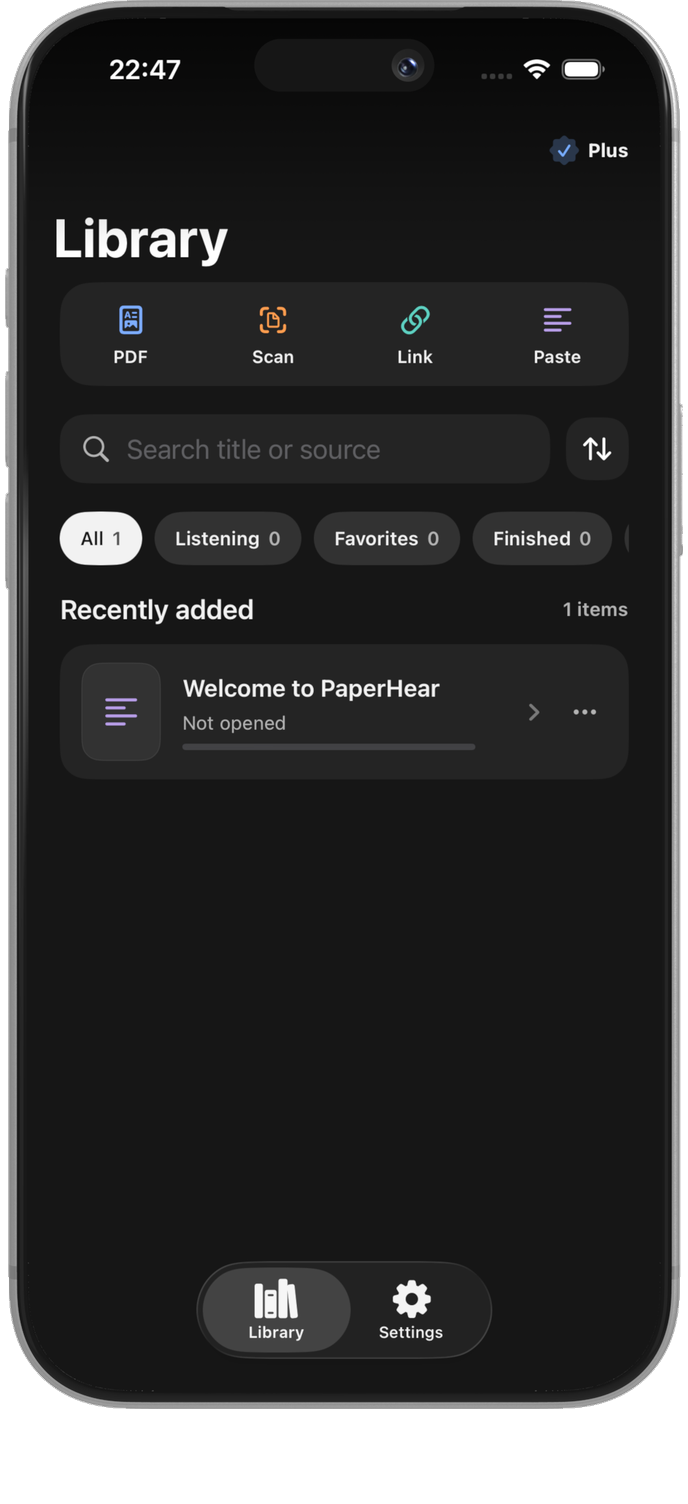
PlatformiPhone · iOS 18+
Voice audioGenerated on iPhone
AccessFree · Buy Plus once
PaperHear illustration on iPhone

Make long documents
easy to follow

PaperHear organizes each document into sections and sentences, so the narration is easier to follow.

01 — IMPORT

Add a document
from four sources

Choose a PDF, TXT/Markdown file, article link, pasted text or camera scan. Review it before saving.
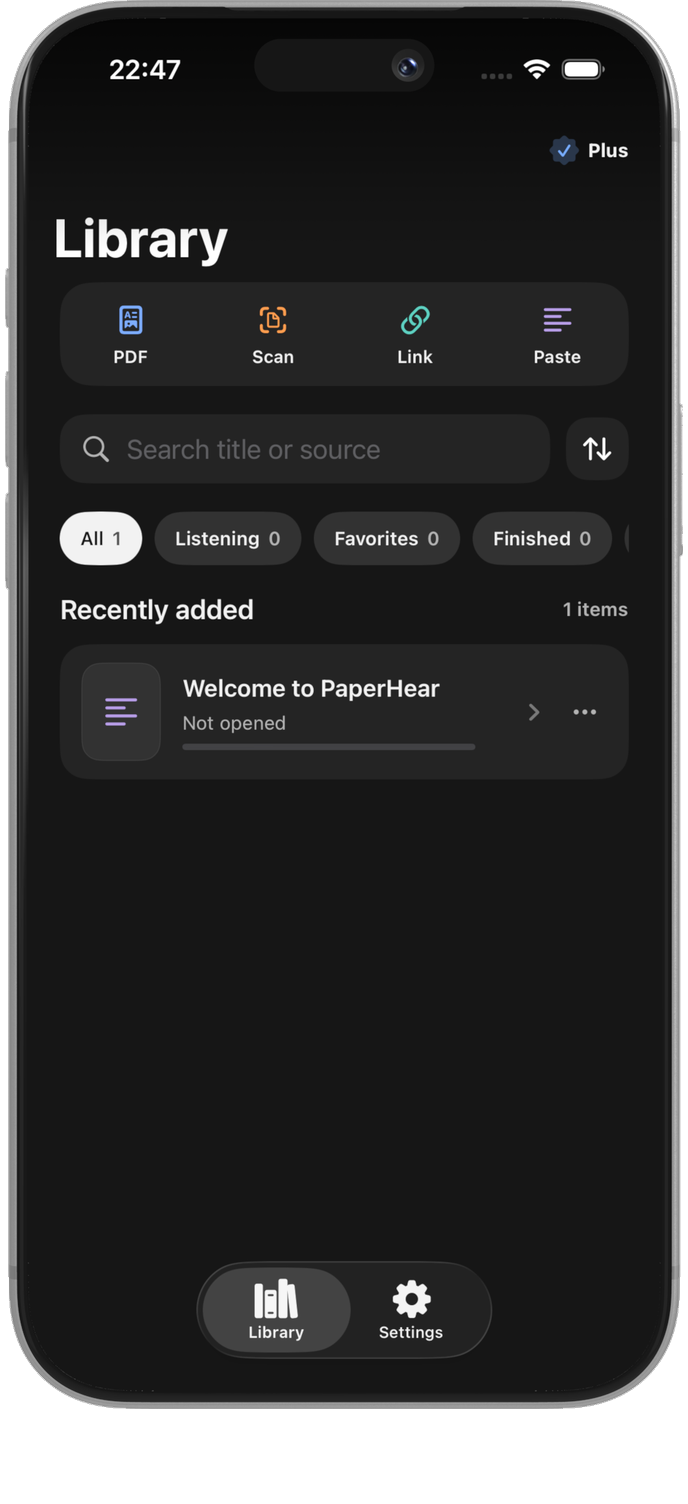
  • 01Files or textChoose a PDF or TXT/Markdown file from Files, or paste content directly.
  • 02Links or cameraImport an HTTPS article or capture a page with the camera.
  • 03Review before savingChange the title, edit a section or remove text you do not need.
PaperHear illustration on iPhone

02 — ORGANIZE

Keep what matters
drop repeated lines

PaperHear removes repeated headers, footers, page numbers and citations while keeping the document in sections and sentences.
  • 01Fewer repeated linesRemove headers, footers and page numbers that appear again and again.
  • 02Keep the orderHeadings and sentences stay in the order of the source document.
  • 03Review the textCheck and edit the text before adding it to your Library.
PaperHear illustration on iPhone

03 — RESUME

Open it again
where you left off

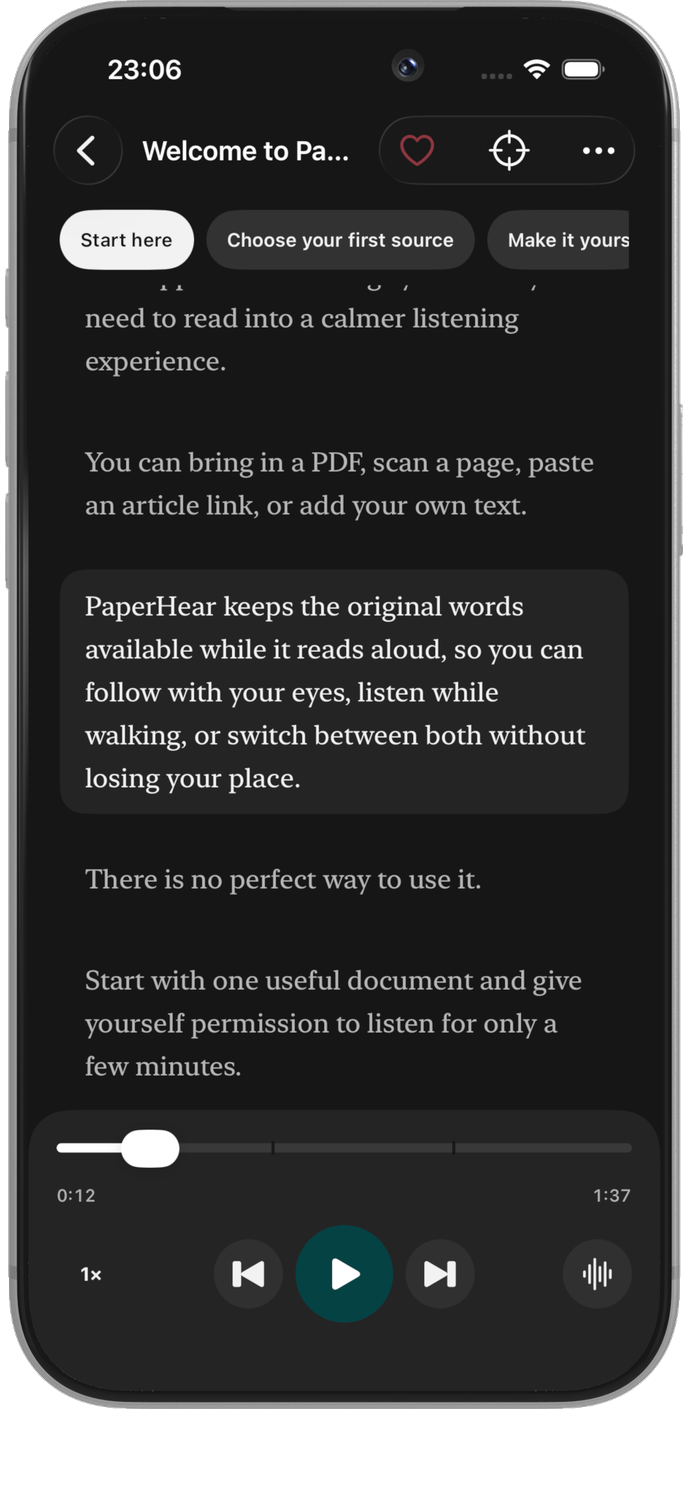
PaperHear remembers the document, section and sentence, so you can start listening where you stopped.
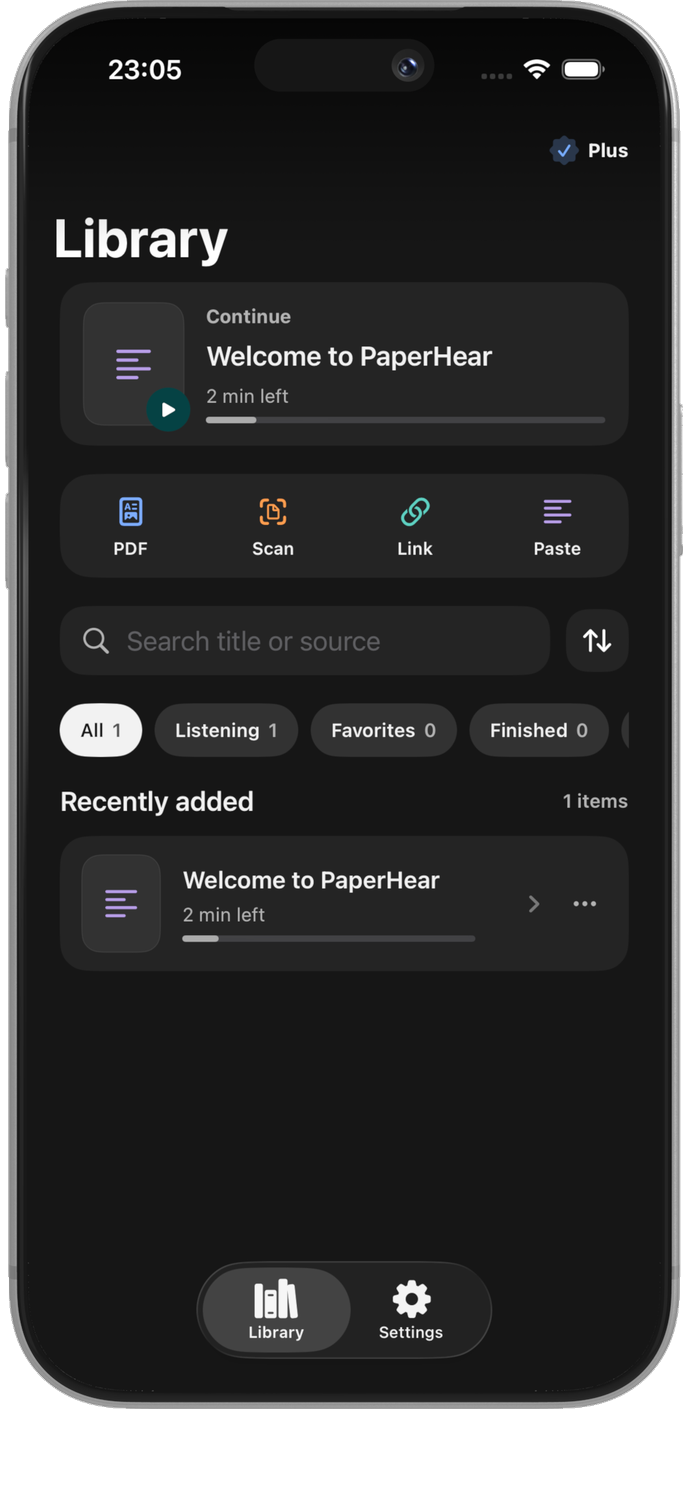
  • 01Start where you stoppedContinue from the sentence you last heard.
  • 02See the current sentenceThe sentence being played is highlighted in the document.
  • 03Library on your iPhoneYour documents and listening position stay on the device.
PaperHear illustration on iPhone

04 — LISTEN

Listen offline
voices on your iPhone

Download a voice once. PaperHear generates audio on your iPhone, keeps playing in the background without a connection and can save a whole document as an audio file (M4A).
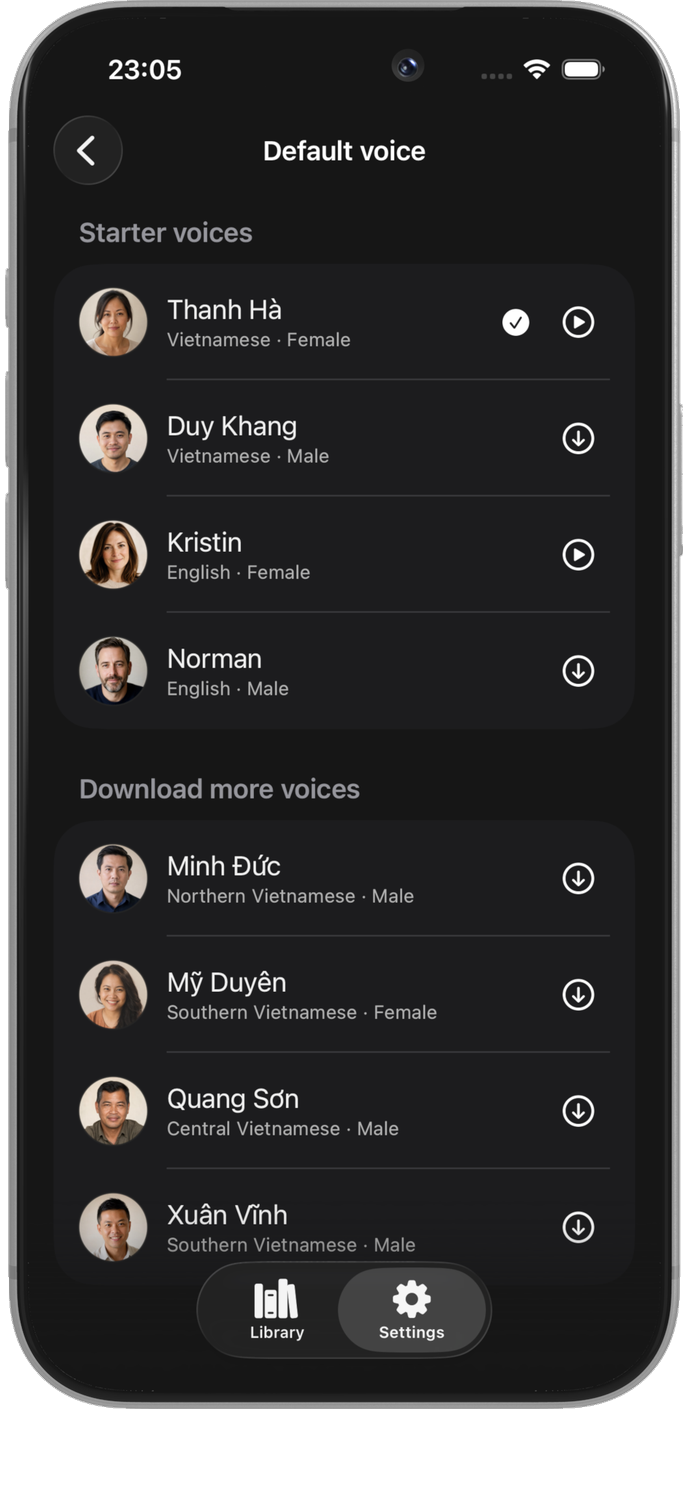
  • 0113 voicesFour starter voices, eight more Vietnamese voices and a Mandarin Chinese voice with an optional pinyin line. Every voice is downloaded only when you need it.
  • 02No silent switchIf a voice is not installed, PaperHear asks you to download it instead of switching to an Apple voice.
  • 03Background playbackKeep listening when the screen is locked or you switch apps.
PaperHear illustration on iPhone

05 — FOCUS

Read, listen and take notes
without an account

Focus mode keeps the current sentence and playback controls together. Notes are linked to the sentence you want to revisit.
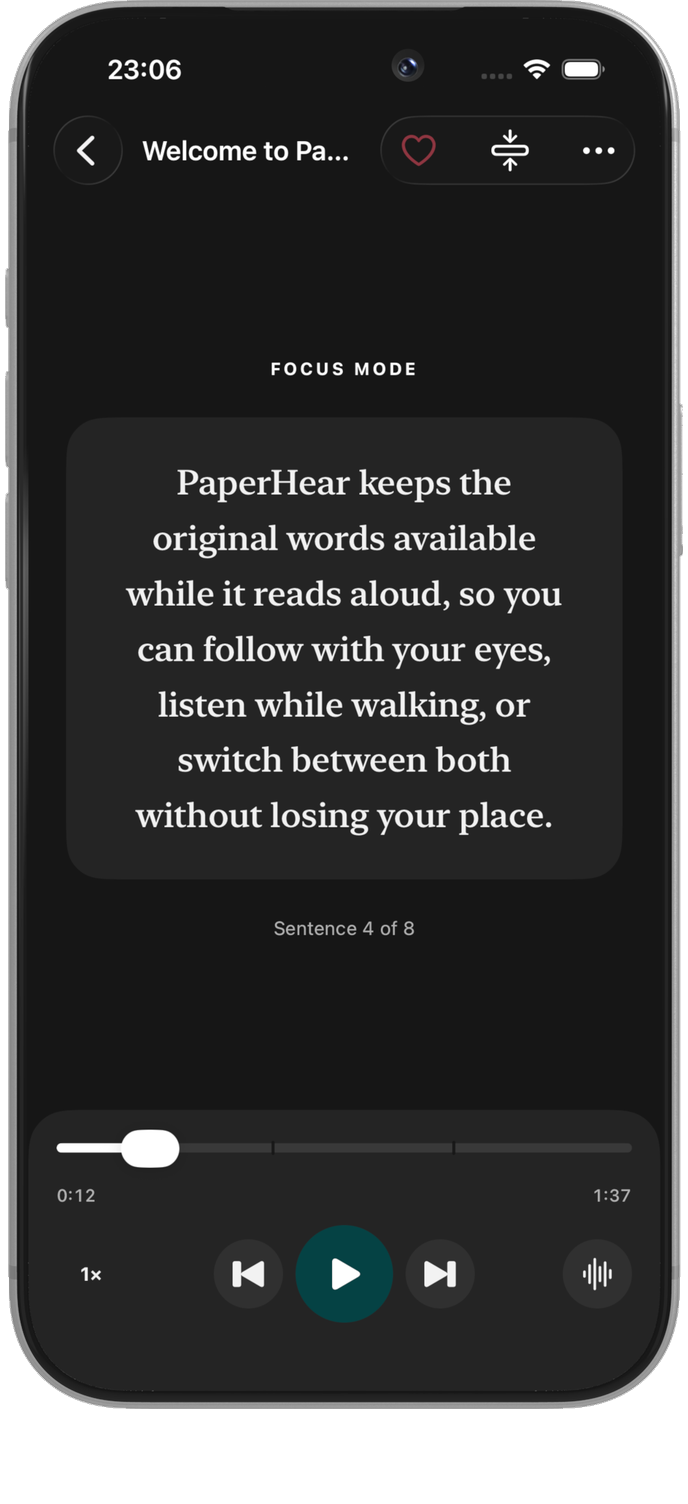
  • 01Focus modeKeep the current sentence and playback controls in view.
  • 02Notes on the sentenceSave a thought at the sentence you want to revisit.
  • 03Free to startUse three free imports each month; buy Plus once if you need more.
PaperHear illustration on iPhone

NO ACCOUNT · NO CLOUD SYNC

Your documents stay
on your iPhone

01

Stored on your iPhone

Documents, listening position, notes and downloaded voices stay on the device. No account is required.

02

Check before you listen

Review and edit the cleaned text before adding a document to your Library.

03

No hidden fees

Free includes three imports each month. Buy Plus once to remove the limit; voice packs are included at no extra charge.

PaperHear / App Store

Add one document
listen when you need to

No account required. Three imports are free each month; buy Plus once to remove the import limit.