Tomolux / iPhone · iPad / DICOM viewer

Your MRI and CT
on your iPhone

Got a CD, USB drive, ZIP or download of your scans from the hospital? Open it in Tomolux and scroll through every slice. Free to view. No account.
Coming soon to the App StoreSee how it works ↓
PlatformiPhone · iPad · iOS 26+
Version1.0
SizeAbout 13 MB
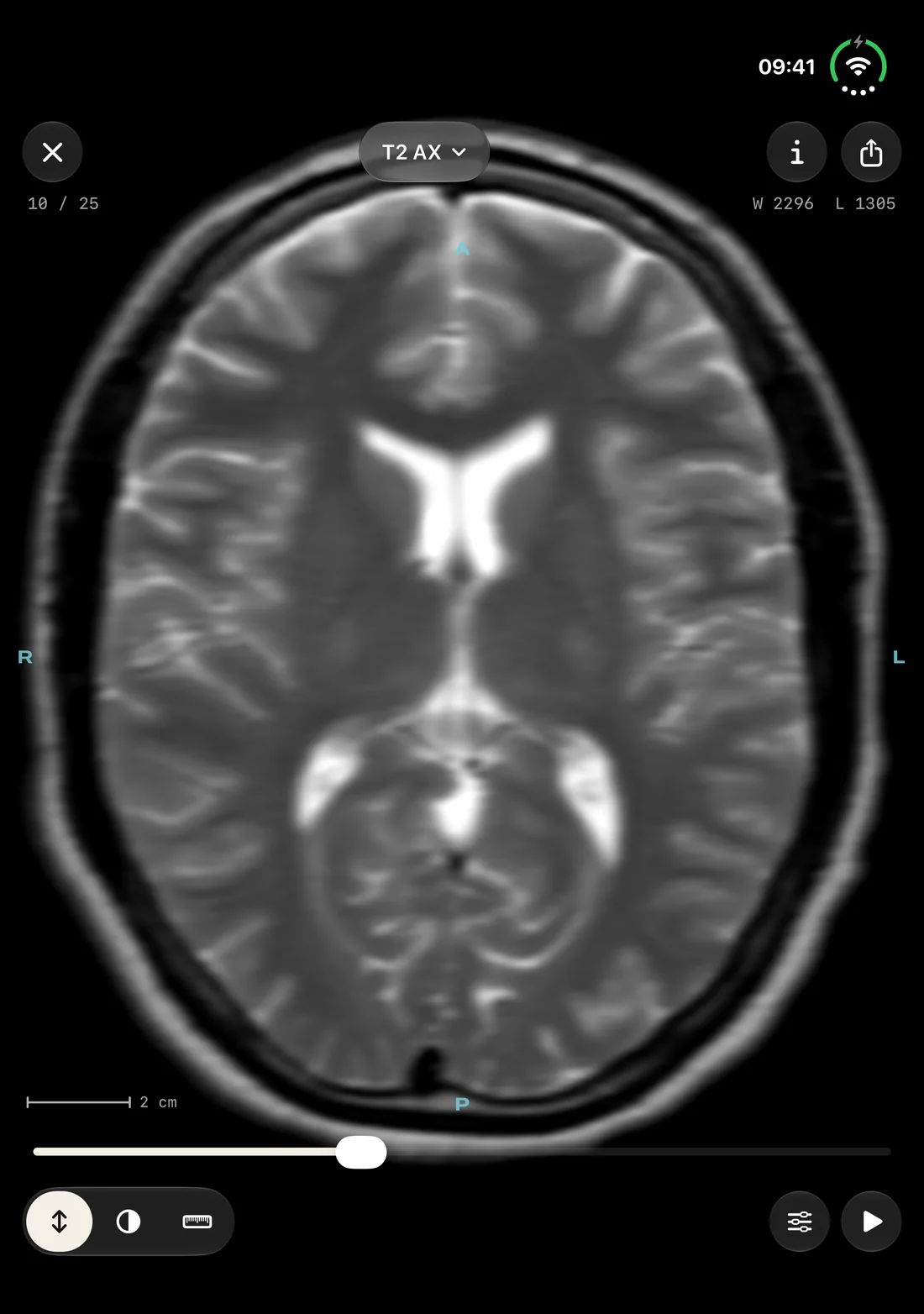
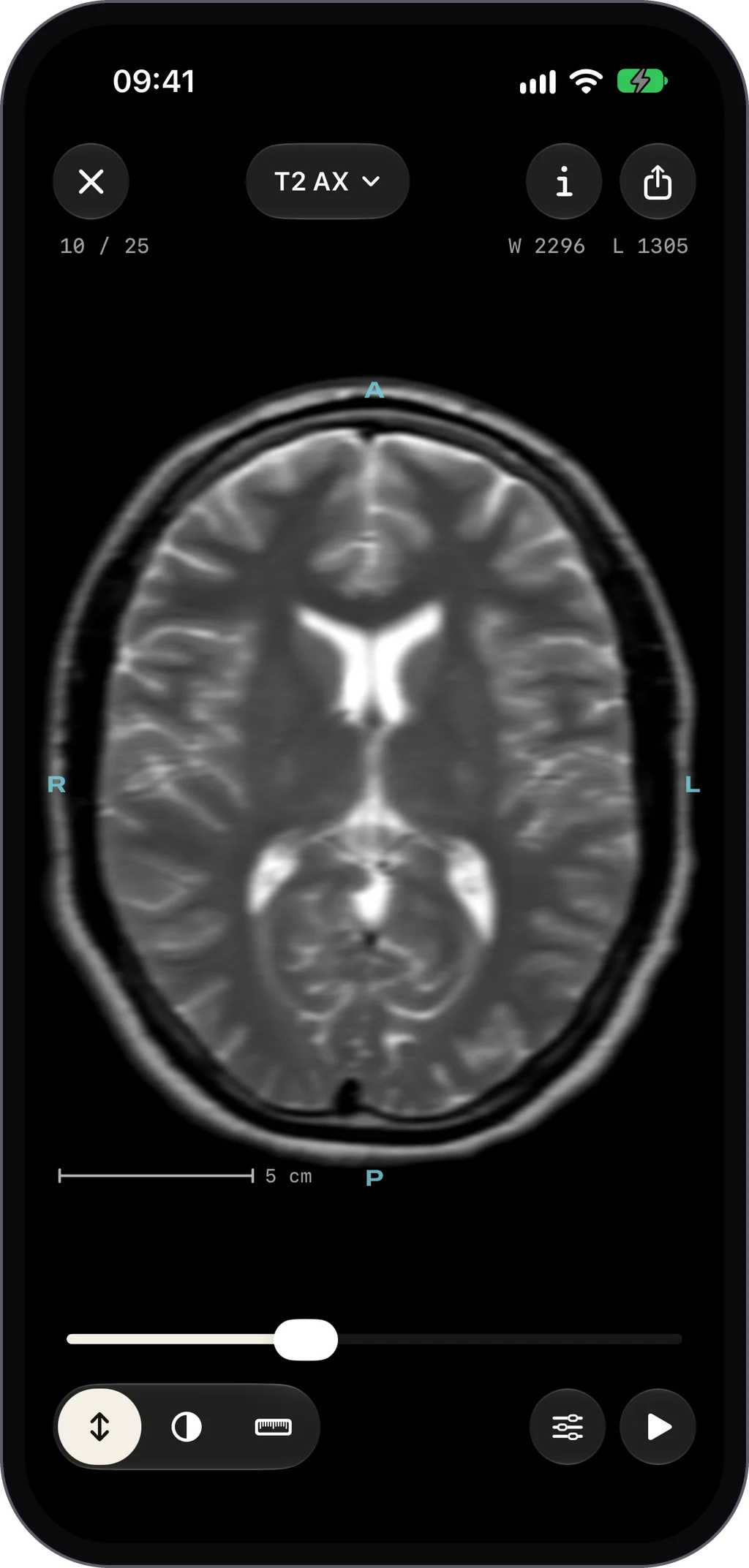
Tomolux: a brain MRI slice with the viewer tools

Three steps
to see your scan

1. Copy the files from your CD, USB drive or ZIP to your iPhone or iCloud Drive.
2. In Tomolux, choose the files or the whole folder.
3. Scroll through the slices, adjust the brightness and zoom in.

01 — Open your CD

Open what the
hospital gave you

Tomolux reads the files from your scan disc, drive or download. Files without a .dcm name are fine.

  • 01Files, folders and ZIPChoose files, a whole folder (a CD copy or a USB-C drive) or a ZIP. AirDrop and “Open in” work too.
  • 02Common image typesUncompressed, JPEG Lossless, JPEG-LS, JPEG 2000 and RLE.
  • 03A sample to tryA sample brain MRI is included, so anyone can try the app first.
Tomolux: open your scan from files or a folder

02 — Scroll the slices

Look through
every slice

Swipe to move through your scan, one slice at a time.

  • 01Scroll and zoomSwipe through the slices. Pinch to zoom in on a detail.
  • 02Play as a moviePlay the whole series to watch it move.
  • 03Every seriesSwitch between the series of a scan, such as T1, T2, axial or sagittal.
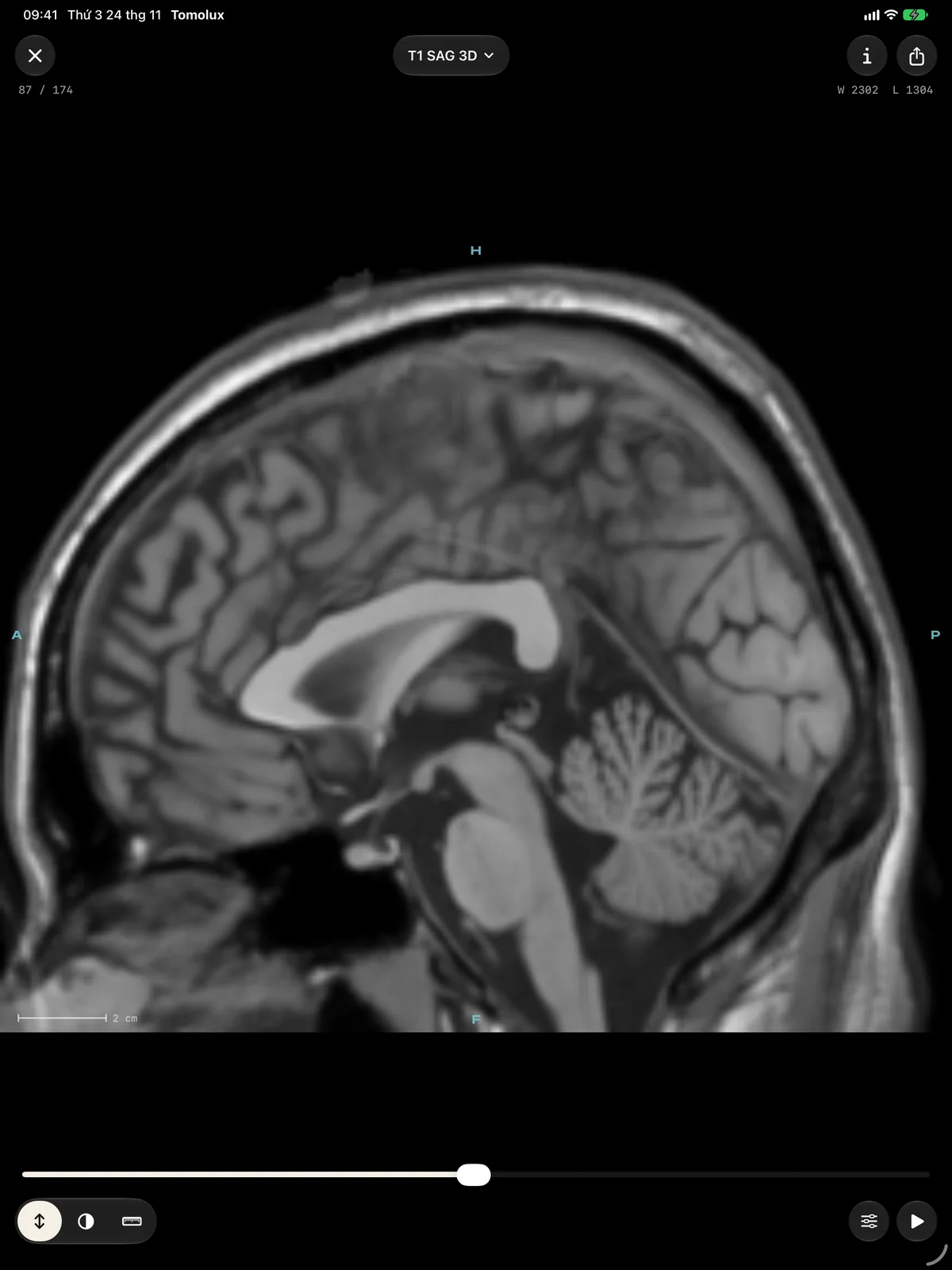
A sagittal brain MRI slice in Tomolux with the slice slider

03 — Brightness

See more
with the right contrast

Drag to change brightness and contrast, like the window and level tools doctors use.

  • 01Window and levelDrag on the image. The values show at the top.
  • 02CT presetsBrain, soft tissue, lung, bone and liver.
  • 03InvertSwap black and white if it helps you see.
A coronal brain MRI slice in Tomolux with the contrast tool on

04 — Measure

Measure
in millimetres

Draw a line on the image to see its length. Tomolux uses the scale stored in the scan.

  • 01Ruler on the imageDrag from one point to another. The length shows on the line.
  • 02Scale barA scale bar on every slice shows the real size.
  • 03Image detailsSee the DICOM tags and the patient-orientation letters.
A brain MRI slice in Tomolux with a ruler line in centimetres

05 — Scan types

Plain words
for scan types

Short notes explain common scan types: T1, T2, FLAIR, diffusion, contrast, axial, sagittal and coronal.

  • 01Every series in one placeSee all series of a scan with the date and the number of images.
  • 02General educationThe notes explain scan types. They never describe your own results.
  • 03Always ask your doctorTomolux does not read or interpret your images.
The Tomolux study screen: T1 SAG 3D, T2 AX and T2 COR series with plain-language notes

06 — Privacy

Your scans
stay on your phone

No account, no server and no tracking. Scans are not included in iCloud backups.

  • 01Nothing to sign up forOpen the app and start. No email and no account.
  • 02Share without the nameWith Pro, share an image without the patient’s name.
  • 03Face ID lockWith Pro, lock Tomolux with Face ID.
Tomolux settings: Face ID lock and the privacy note

iPad · iPhone Duo

iPad: a sagittal slice on the large screeniPhone Duo, inner display: a brain MRI slice
01

A large screen on iPad

See more detail. The same tools, with more room.

02

Made for iPhone Duo

Open it to view your scan on the big inner screen.

03

Buy once, use on all

Pro works on your iPhone and iPad with the same Apple Account.

Price

Free to view
Pro once, not monthly

01

Free

View your scans. Add up to 3 scans.

02

Tomolux Pro

One-time purchase, US $19.99 (local price set by Apple). Unlimited scans, share images without the patient’s name, Face ID lock.

03

No subscription

No ads and no account.

Tomolux / App Store

Your scans,
in your pocket

For iPhone and iPad with iOS 26 or later. Coming soon to the App Store. Prices will be shown in the App Store for your country.

Coming soon to the App StoreGet help →

Medical notice: Tomolux is for viewing your own medical images. It is not a medical device, is not for diagnosis or treatment decisions, and does not interpret images. Always ask your doctor.